Automatically Clean Your macOS Dock Based on App Usage
My Dock has a habit of slowly turning into a junk drawer.
Apps I tried once. Tools I needed for a single project. Stuff I haven’t touched in months —
all sitting there, stealing attention. I wanted a way to clean it up based on reality,
not memory.
So I wrote a small script that removes Dock apps you haven’t used recently.
It doesn’t delete anything. It just keeps the Dock honest.
What the script does
- Reads your current Dock apps
- Checks each app’s last used date
- Finds apps not used in the last X days
- Removes only those apps from the Dock
- Restarts the Dock cleanly
This is especially useful if you prefer a minimal Dock or want it to reflect
what you actually use day to day.
The script
#!/bin/bash# ===== SETTINGS =====
DAYS_UNUSED=30 # change this if you want (e.g. 14, 60)
# ====================
echo "Cleaning Dock apps not used in last $DAYS_UNUSED days…"
# Get Dock persistent apps
dock_apps=$(defaults read com.apple.dock persistent-apps | \
grep -A2 '"_CFURLString"' | \
sed -n 's/.*"_CFURLString" = "\(.*\)";/\1/p')
now=$(date +%s)
cutoff=$((DAYS_UNUSED * 86400))
for app in $dock_apps; do
# Skip non-app paths
[[ "$app" != *.app ]] && continue
# Get last used date
last_used=$(mdls -name kMDItemLastUsedDate -raw "$app" 2>/dev/null)
# If never used, treat as old
if [[ "$last_used" == "(null)" ]]; then
echo "Removing (never used): $(basename "$app")"
defaults write com.apple.dock persistent-apps -array-remove "$app"
continue
fi
last_used_epoch=$(date -jf "%Y-%m-%d %H:%M:%S %z" "$last_used" +%s 2>/dev/null)
# If date parse fails, skip
[[ -z "$last_used_epoch" ]] && continue
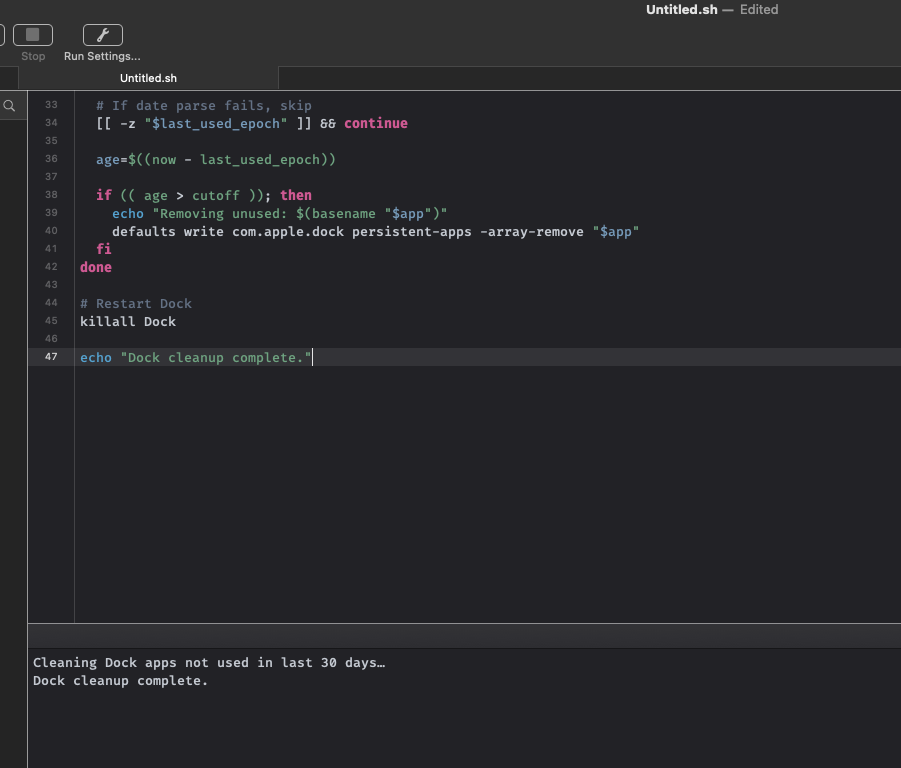
age=$((now - last_used_epoch))
if (( age > cutoff )); then
echo "Removing unused: $(basename "$app")"
defaults write com.apple.dock persistent-apps -array-remove "$app"
fi
done
# Restart Dock
killall Dock
echo "Dock cleanup complete."
How to use it
- Save the script as
clean_dock_unused.sh - Make it executable:
chmod +x clean_dock_unused.sh
- Run it:
./clean_dock_unused.sh
Adjust DAYS_UNUSED to be more or less aggressive depending on how you work.
Why this approach works
This keeps the Dock aligned with actual behavior, not intention.
If I haven’t used an app in a month, it probably doesn’t deserve permanent space.
Small automation. Less friction. Better focus.
Back to building.